Also in the app
Opportunities and resources
Internships, scholarships, events, and partner help, when a real listing is there.
See partner resources CohortlyyLive on iOS & Android
We're building an AI-powered student success platform to guide you throughout college.
Meet Maiso, a personalized AI companion designed to understand your strengths, interests, experiences, and goals, helping you discover your direction, build meaningful skills, take action, and adapt as you grow.
Also on the App Store and Google Play
Maiso
Personalized guidance, shown as a concept
Coursework, a Python project, and an interest in research
A next direction
Document the project, then prepare a short note to a faculty lab. You review it before anything is sent.
Prepared work
A draft and a project summary, ready for review
Follow-up
Checks back, and changes the step if the lab is full
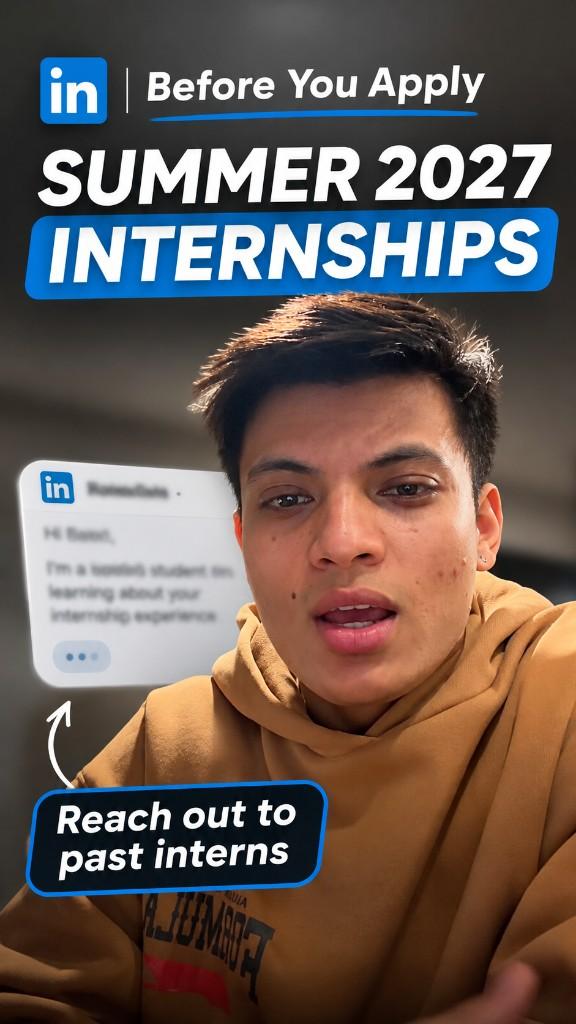
Reach out to past interns
Campus Creators, in the app today
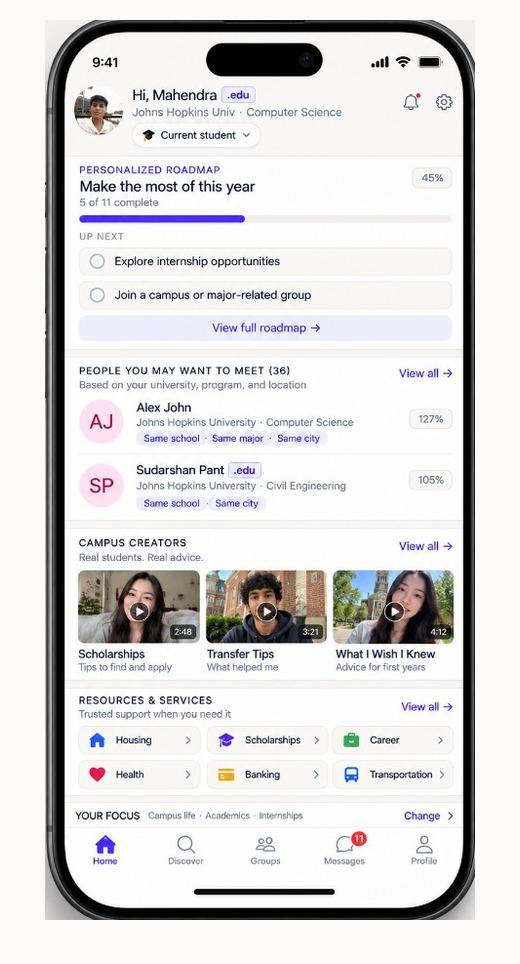
Home
A roadmap for the year, people to meet, creator videos, and campus resources.
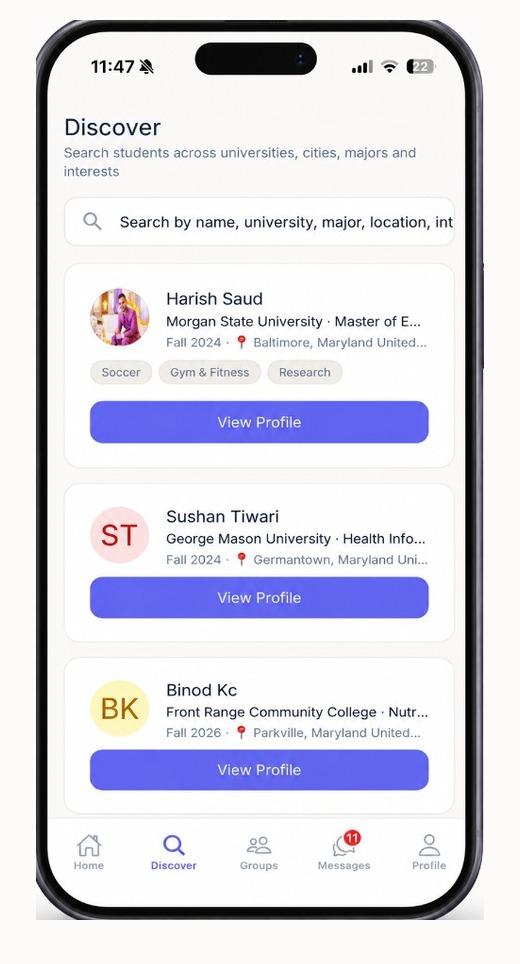
Discover
Search students by university, major, and place.
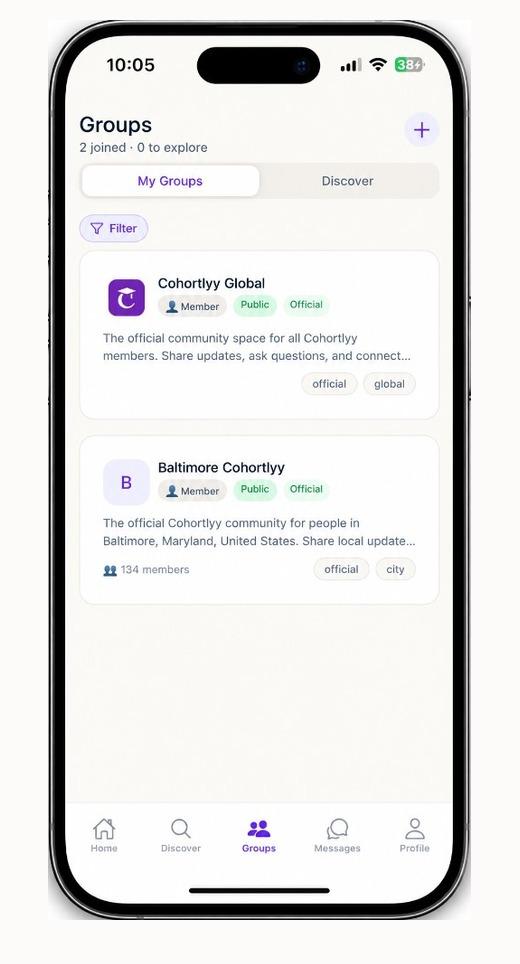
Groups
Campus and interest communities you can join.
Also in the app
Internships, scholarships, events, and partner help, when a real listing is there.
See partner resourcesHelpful content about college, careers, and life is everywhere. But finding it when you need it isn't always easy.
Discover real student experiences, practical advice, and educational videos in one place, so you can learn from people who've been where you're going.
Internships
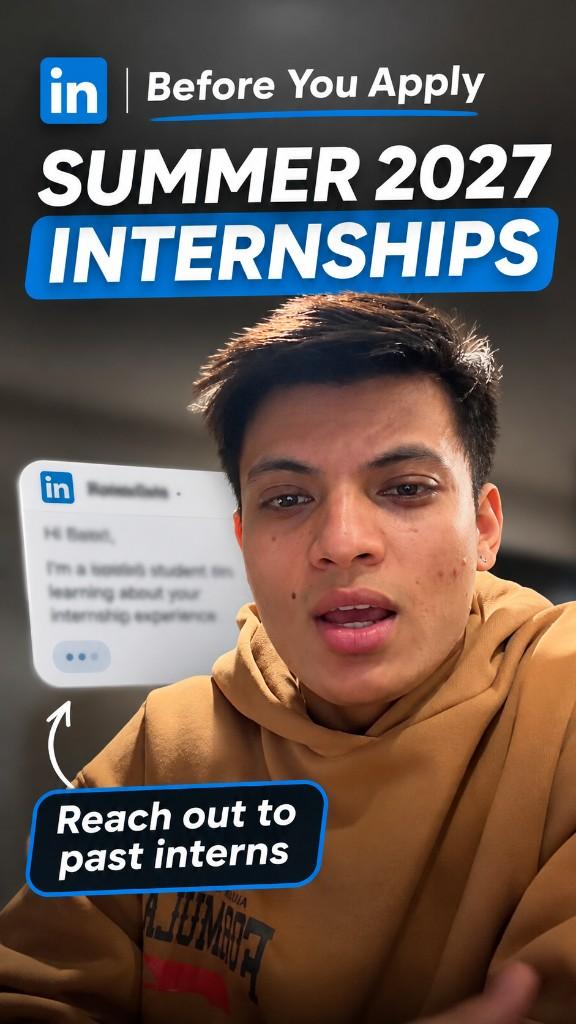
Networking
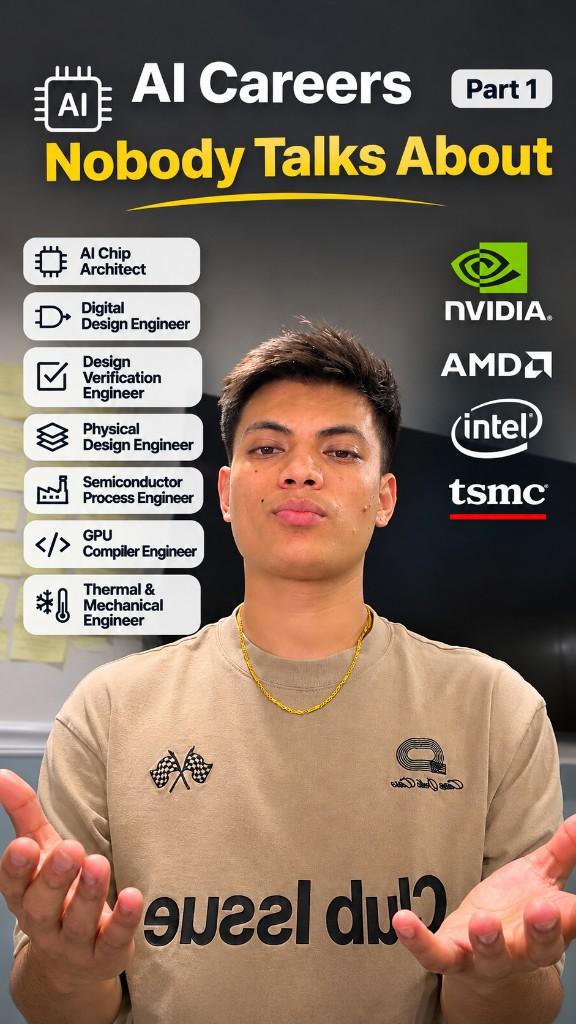
Careers

Engineering

Transferring

Nursing
Campus life
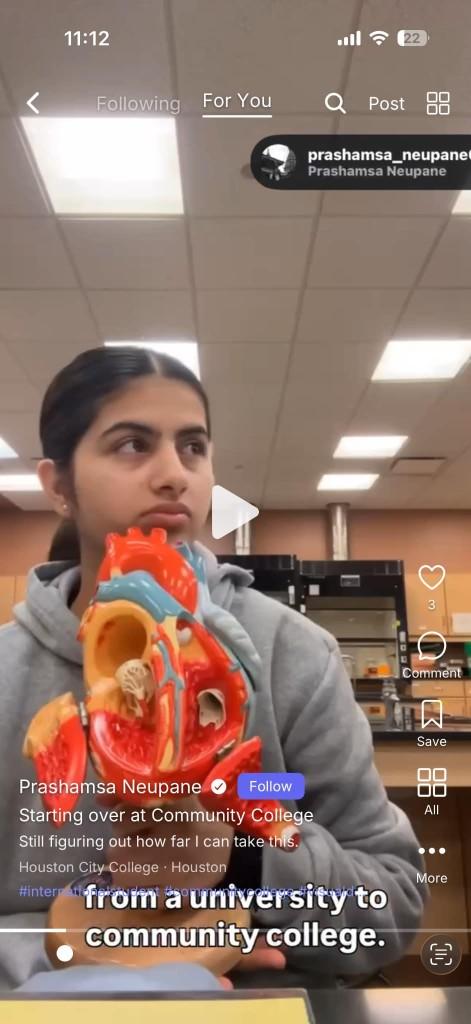
Community college
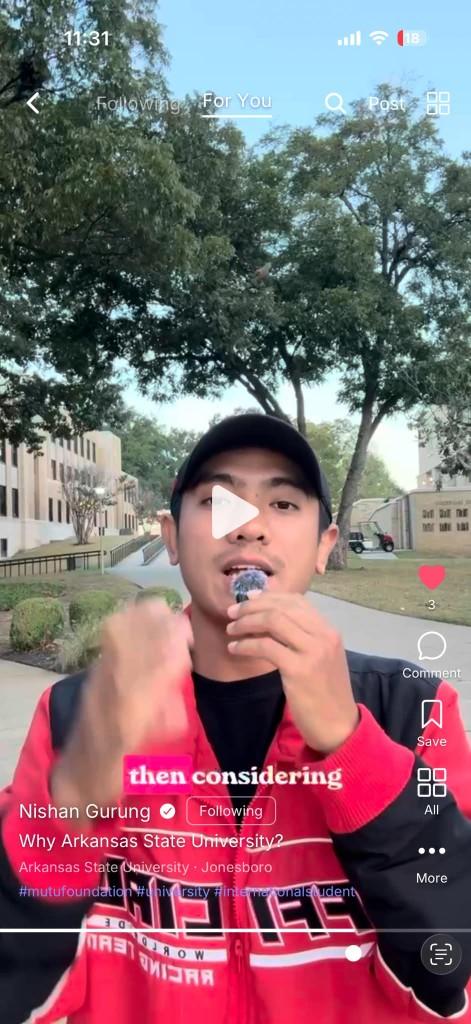
Choosing a school
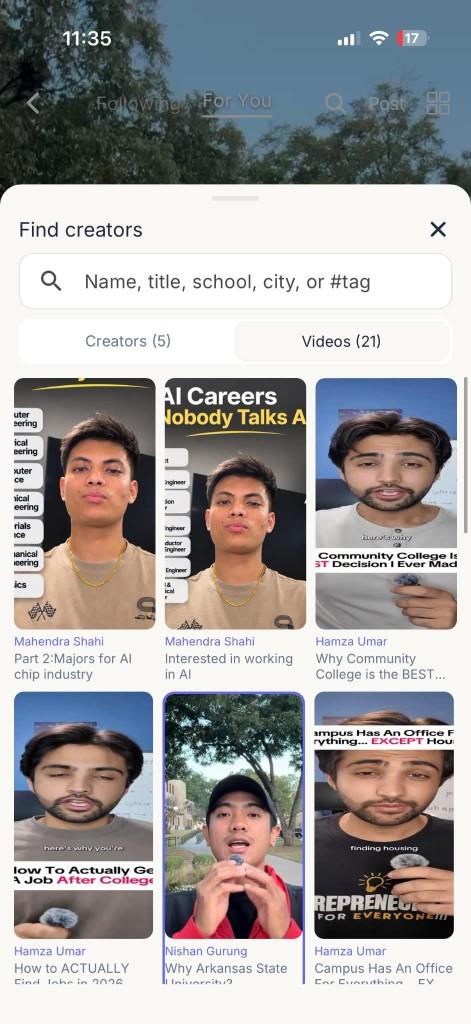
More in the app
Internships, freshman year, pre-med, scholarships, and more.
Get Cohortlyy
For educational creators
Your experience could help another student find their direction. If you create educational content about college, careers, or personal growth, we'd love to hear from you.
Become a Campus Creator · Get in touchComing with Maiso: personalized AI guidance designed to connect students with relevant Campus Creator content when it supports their goals.
Meet Maiso · In development
Maiso is not a one-time answer. These six steps are how guidance stays with a student, then comes back around as the picture of that student changes.
In development · Illustrative experience
Builds a picture of strengths, courses, projects, interests, and constraints from what a student chooses to share.
Clarifies realistic options across projects, research, and careers, then puts one meaningful next step in front.
Handles the busywork of a draft, a short pitch, or a project note, then leaves the review and the send with the student.
Checks in on a goal the student set, asks what happened, and surfaces a blocker before the step goes quiet.
When a lab is full or a plan shifts, finished work stays. Only the route ahead is rebuilt.
Points a step at Campus Creator videos, groups, and partner resources that are already in the app.
Continuous loop
Connecting to Cohortlyy happens along the way, not as a finish line. What happens next updates the picture Maiso is working from.

Maiso workspace Stage 01 of 06
Illustrative path · Sophomore computer science
Coursework
Linux and networking
Project
Python packet analyzer
Interest
Cybersecurity
Goal
Find undergraduate research experience
There is already a working systems project. What is still open is connecting that packet analyzer to a research environment.
Student-controlled context
Guidance uses academic and goal details a student chooses to share, and progress they confirm.
No autonomous external actions
Maiso can draft with you. It does not email a professor, message a recruiter, or submit an application.
Built into the Cohortlyy app
Creators, groups, people, and partner resources stay open to browse with or without Maiso.
After exploring the concept
Request a Maiso demo for the vision and rules-based beta, or ask to join the invite-only Guided Path. The live mobile app stays available to download separately.
Maiso · Early access
Students can express interest in the invite-only Guided Path beta. Universities and organizations can request a walkthrough of the Maiso concept while the adaptive AI companion is still in development.
A demo request signals interest. Completing a Guided Path recommendation is stronger evidence that the product helps students take action.
Students can explore these partners in Cohortlyy today for scholarships, housing, health pathways, basic needs, and getting around. When Maiso is ready, relevant support can sit beside the step that needs it. Names and links below come from the live partner directory.
Scholarships
Helps students find scholarships and time the applications.
Visit site
Health careers
Health-sector staffing and internship mentorship.
Visit site

Basic needs
Food, housing, healthcare, legal aid, and other essentials at no cost.
Visit site
Housing
Roommate matching and verified off-campus housing.
Visit site
Getting around
Driver's licenses, the basics, and learning to drive.
Visit site
Banking and mentorship partnerships are still in conversation.
Universities, student clubs, nonprofits, and student-service organizations can partner with Cohortlyy. Your team gets an invite code. Your logo shows next to the people who represent you, on the step where a student actually needs you.
Get a unique invite code
We set up your organization with a code and your logo.
Your people enter it in the app
They add it under Profile, then Partner affiliation.
Students can reach that person
Your logo marks them, and they appear with your resource.
Request an invite code so your logo can show up with the students you support.
Explore student stories, communities, and opportunities in the app today, with Maiso in development to help guide the next step.
Explore Maiso